
AI Image to Realistic Photo Converter
Transform AI-generated images into photorealistic photos with natural skin texture, proper lighting, and lifelike depth.
✨ Join thousands of creators making their AI images look real
Why creators choose this converter
Built for turning synthetic AI art into photos that look shot on a real camera
AI Image to Realistic Photo Converter
No Photos Generated
Before & After: AI Image to Realistic Photo
See the difference — sign up to convert your own image
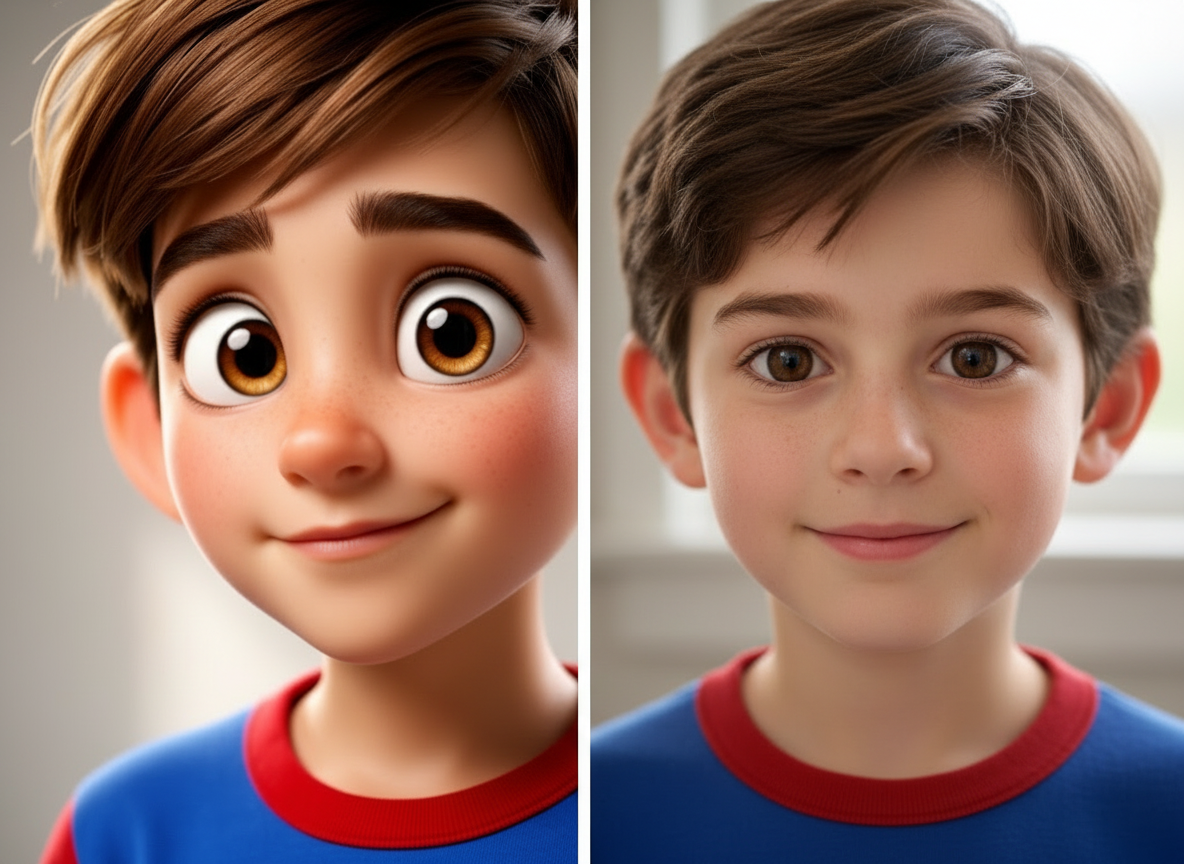
Original AI Image → After Conversion
AI-generated anime face vs realistic photo conversion
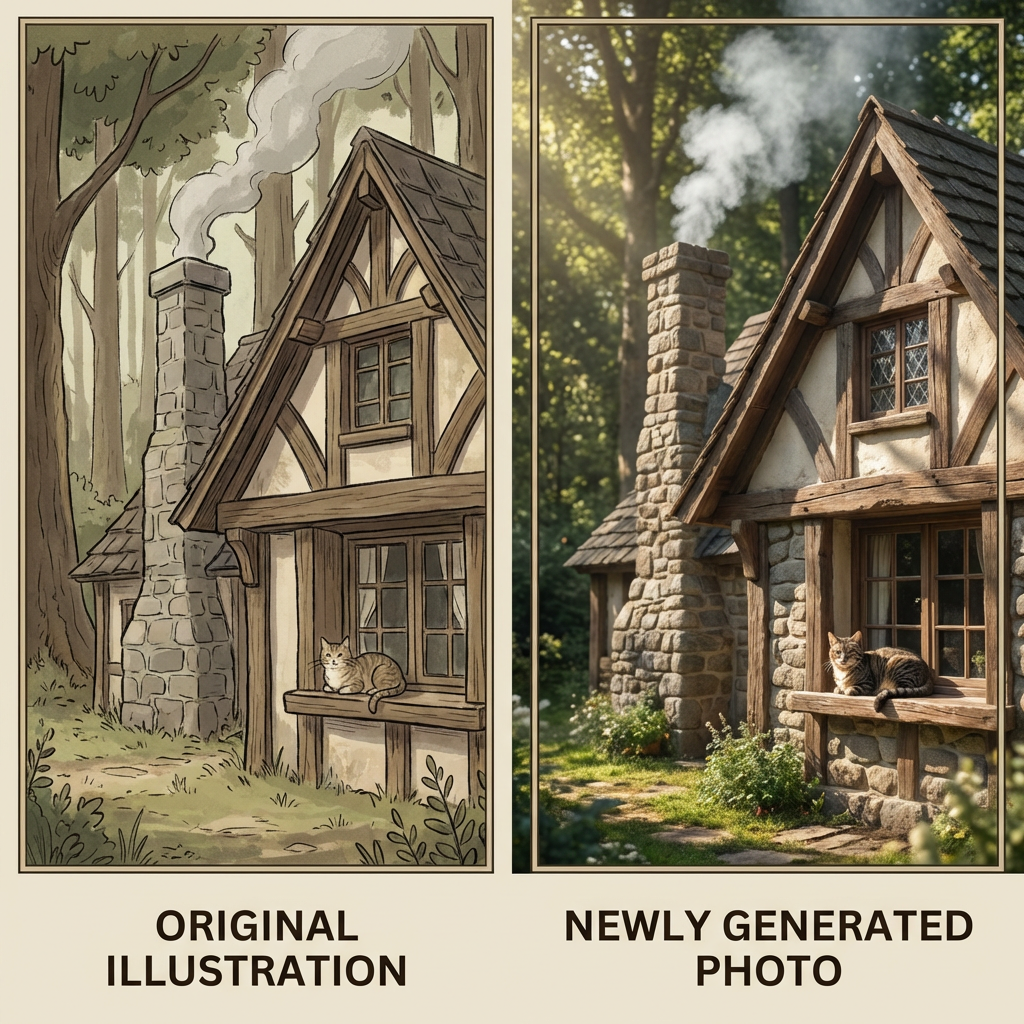
Original AI Image → After Conversion
AI cartoon portrait converted to photorealistic image
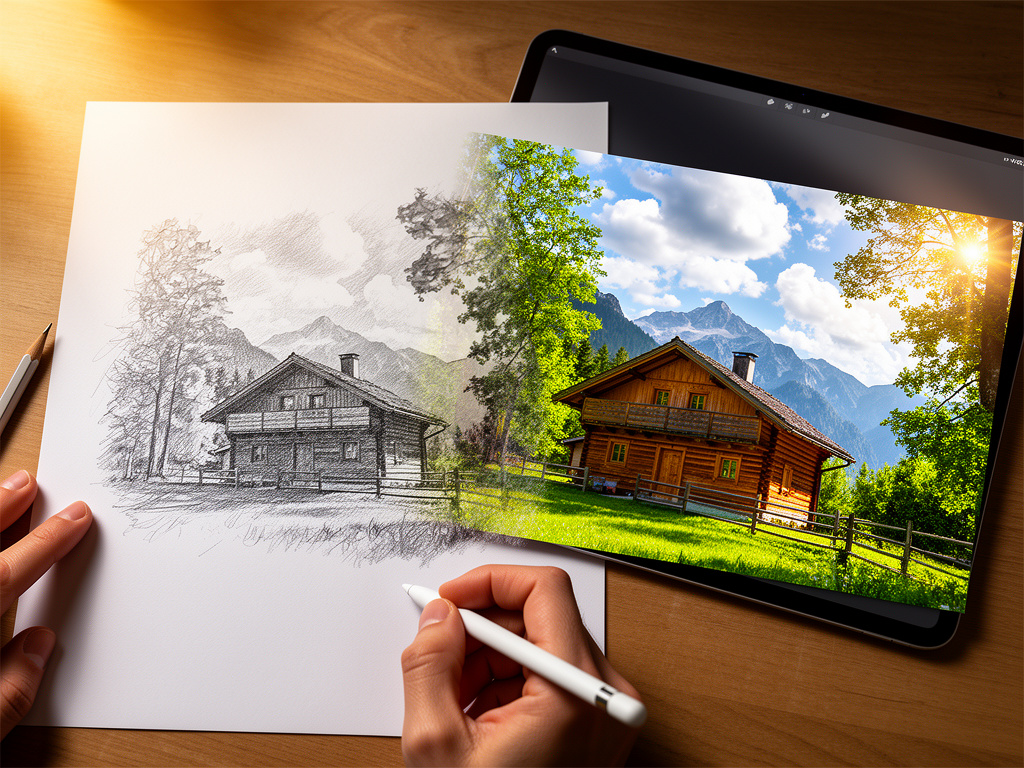
Original AI Image → After Conversion
Sketch-style AI render turned into a lifelike photo
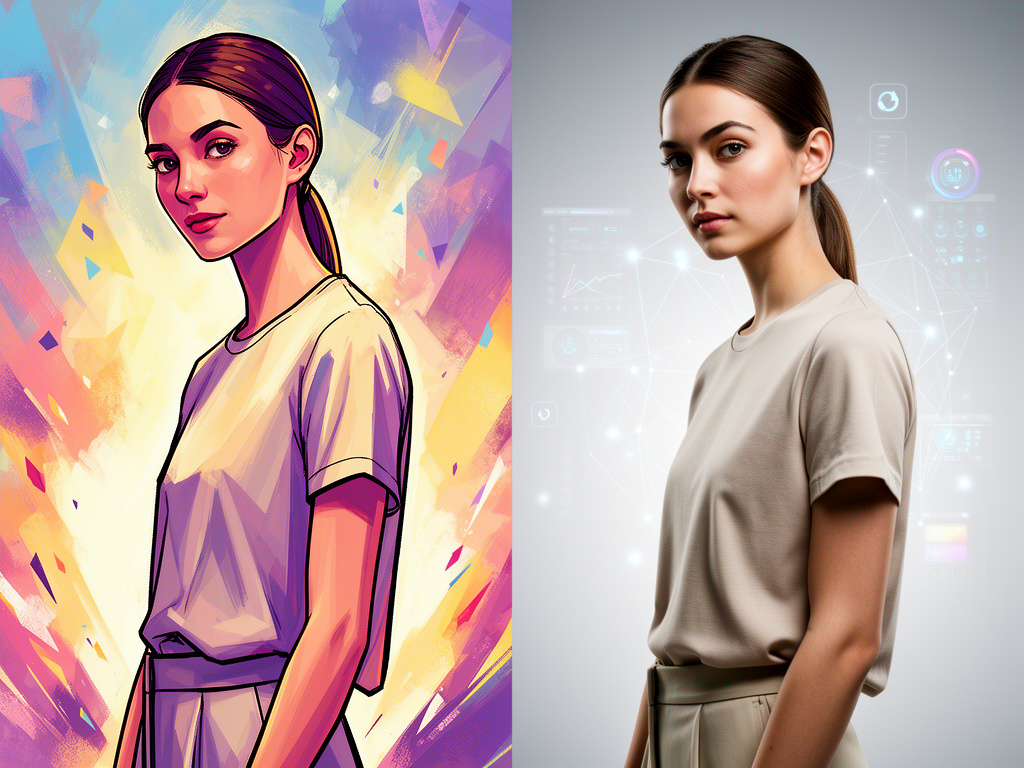
Original AI Image → After Conversion
AI art product shot converted to a real photo look
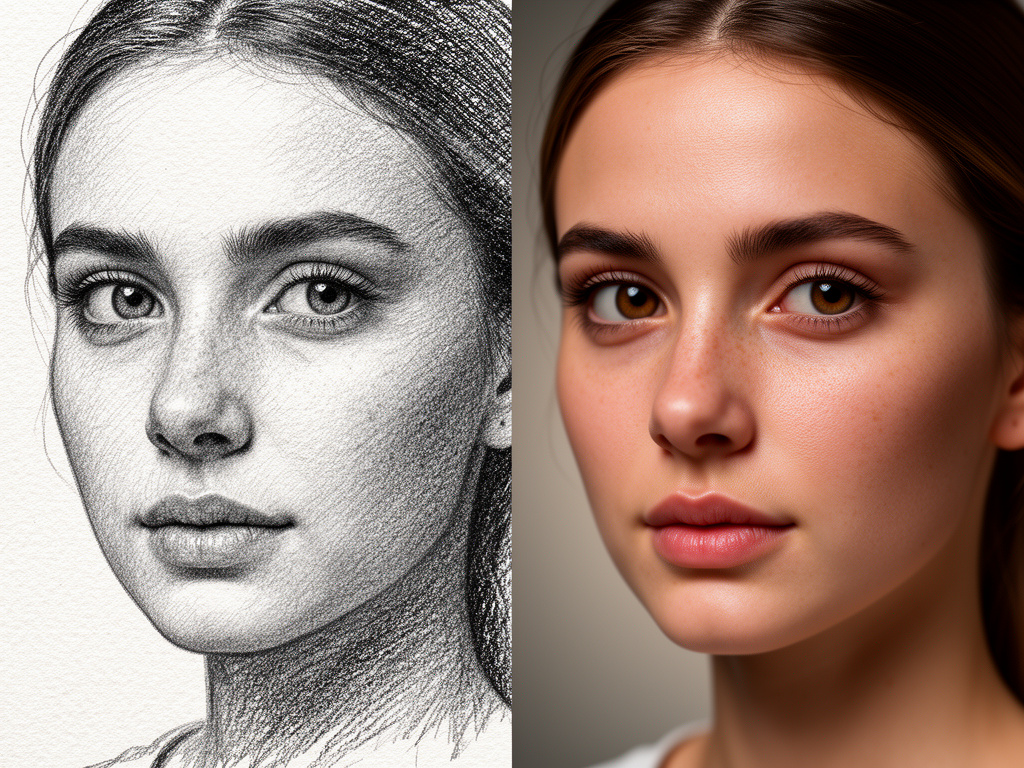
Original AI Image → After Conversion
Drawing-style AI image rebuilt as a camera-like photo
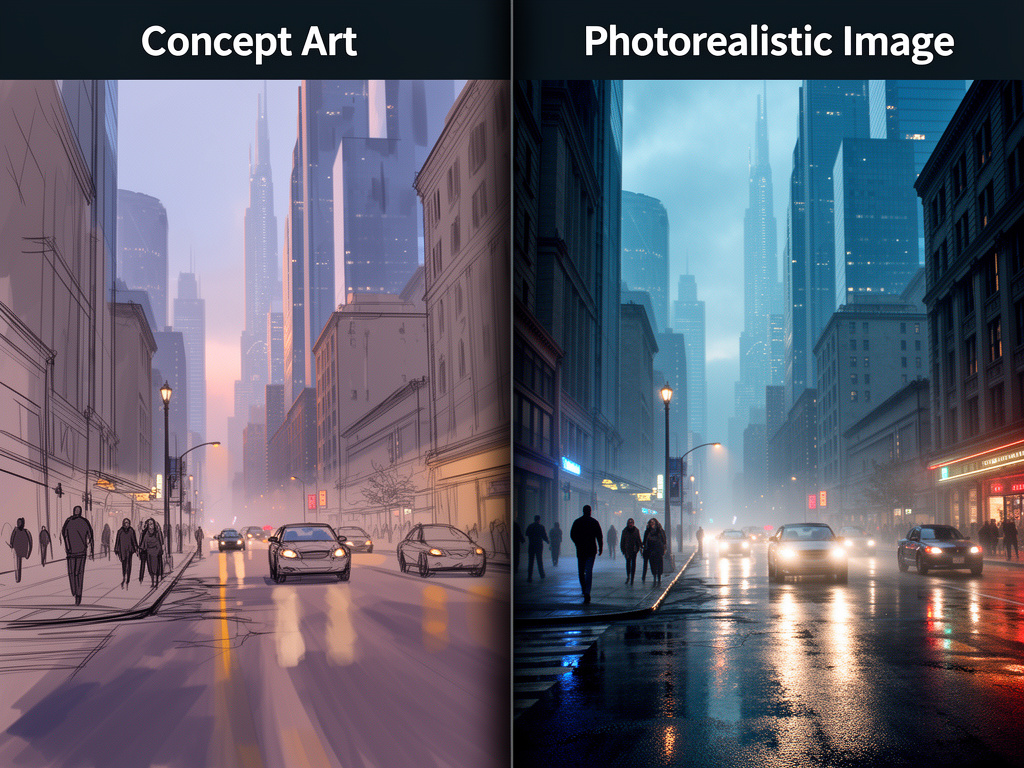
Original AI Image → After Conversion
Concept AI render converted to photorealistic depth and texture
Convert an AI image to a realistic photo in 3 steps
Account required — paid credits unlock full-resolution downloads
Sign up
Create a free account in seconds.
Upload your AI image
JPG, PNG, WebP up to 5MB.
Convert & download
Get a photorealistic result in seconds. Download in full resolution.
Why use our AI image to realistic photo converter
An AI image to realistic photo converter takes flat, synthetic-looking AI art and gives it the depth of a real photograph. Generators like Midjourney, DALL·E, Stable Diffusion, and Flux are excellent at ideas, but their outputs often show plastic skin, flat lighting, odd proportions, and that unmistakable “AI look.” Creators then spend hours in Photoshop or skip the asset entirely. This tool is built for that gap: turn an AI image into a realistic photo that reads as camera-shot, not merely sharpened. Unlike generic enhancers that only boost contrast and sharpness, our pipeline rebuilds photorealistic cues layer by layer — natural skin texture, catchlights in the eyes, soft shadow falloff, and believable material detail on clothing or products — while keeping the subject recognizable. That matters for thumbnails, profile photos, product mockups, concept-to-client reviews, and ads where a plastic face kills trust. If you have compared “AI image vs photo” side by side, you already know the difference is not resolution alone; it is micro-texture, lighting direction, and depth that sell realism. How do you know an AI image is a good candidate? Strong identity (a clear face or product), decent resolution, and a composition that already looks like a photo usually convert best. Extreme stylization, tiny faces, or heavy text overlays are harder — you can still try, but expect more prompt guidance. For portraits, ask for natural skin and soft key light; for products, ask for studio lighting and sharp edges; for anime-to-photo, mention realistic proportions so the result does not stay cartoonish. Typical workflow: upload a JPG, PNG, or WebP (up to 5MB), describe the photo style you want, and convert after signing in with credits. Most jobs finish in under 10 seconds. Use it when Midjourney portraits look waxy, when anime or illustration needs a photo look for marketing, or when a sketch-style render must feel like a real studio shot. Teams also use it to normalize mixed AI assets into one photographic language before publishing. Creators in e-commerce, social content, game marketing, and client design reviews run the same AI image to realistic photo path daily because it is faster than re-prompting from scratch or booking a shoot. Paid plans unlock commercial rights and full-resolution downloads so the finished image can ship in campaigns without a reshoot.
Social & profile photos
Turn AI portraits into believable profile and thumbnail photos that do not look plastic in small crops.
Product & ecommerce
Convert concept renders into photorealistic product shots for listings, ads, and landing pages.
Anime & illustration
Move stylized characters toward a camera-like look when marketing needs realism without a full redraw.
Client concept reviews
Present AI drafts as photo-real options so stakeholders evaluate ideas, not generator artifacts.
FAQ: AI image to realistic photo
Answers about accounts, pricing, quality, and commercial use
Ready to convert AI images into realistic photos?
Sign up free, buy credits when you need downloads, and turn synthetic AI art into lifelike photos.